
Creating Courses using AI – Getting Started
Creating Courses using AI – Getting Started

Creating Courses using AI – Getting Started
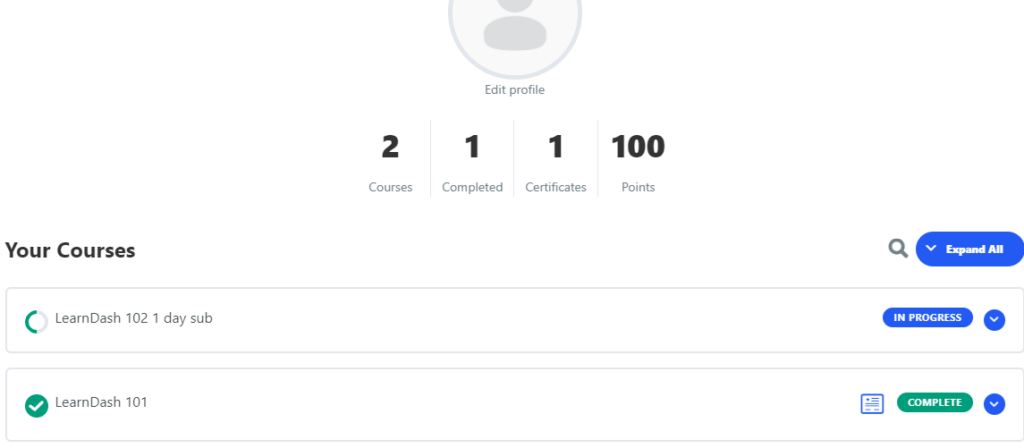
LearnDash provides the ability to template your LMS posts and shortcodes. In this post, I’ll only cover how to add a thumbnail image to your LearnDash [ld_profile] Course List, but you can also extrapolate this idea and use it in your Lesson and Topics lists using the same concepts documented here. There are 2 methods

LearnDash lets you create tabs in their different post types. Their post types are course, lesson, topic, and quiz and you can add different tabs to any or all these post types. To accomplish this, you can either use a code snippet plugin or you can add a child-theme to your site and add code
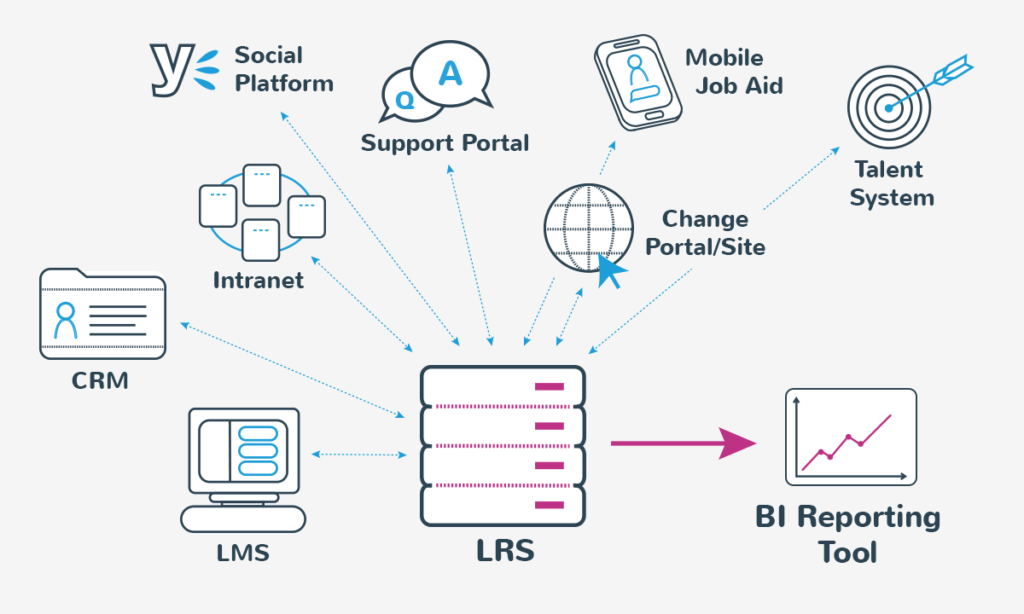
We’ve all heard the innovation adage, “think outside the box”. It’s a cliché about breaking the paradigm of your thinking, but it also serves well as a metaphor if the box is your learning management system (LMS). Most organisations I have worked with try only to advance their learning innovation within the boundaries that their
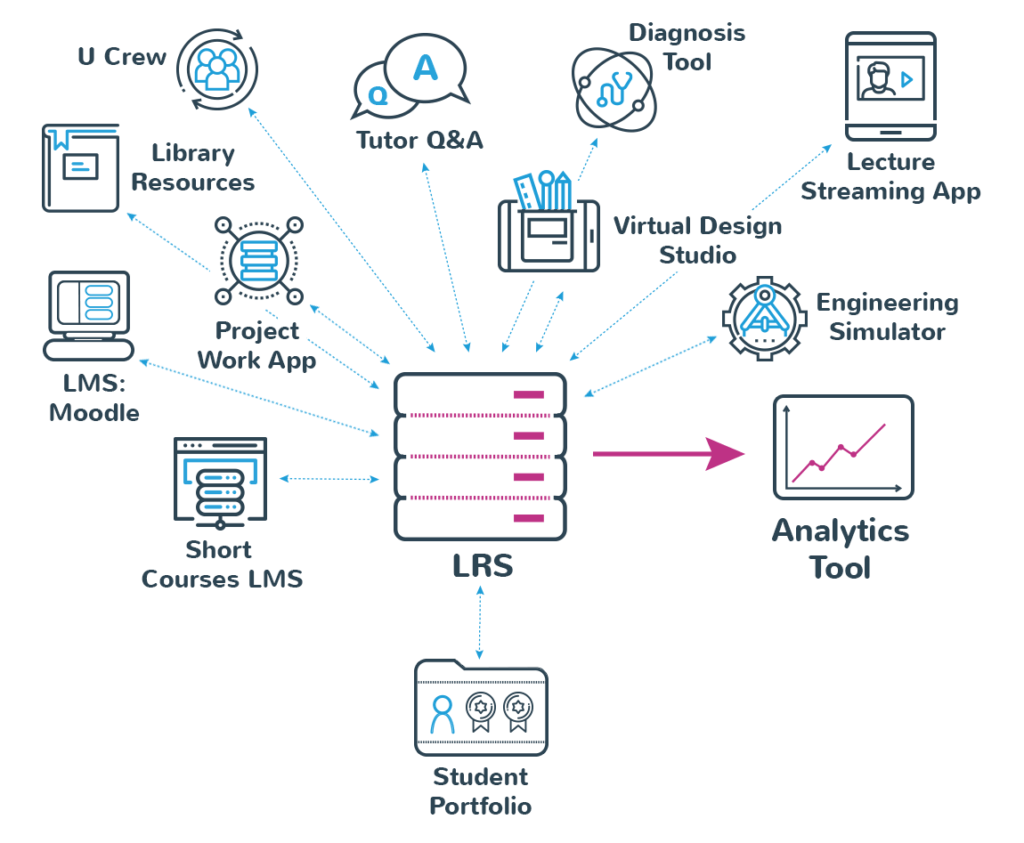
A Learning Management System, when selected and implemented correctly, will provide a lasting positive impact on both your business and your students. There are a great deal of things you want to consider when selecting, configuring, styling and implementing an LMS. Once you select an LMS and dive into creating courses, it’s often very hard