
LearnDash


Customizing the LearnDash User Profile Course List

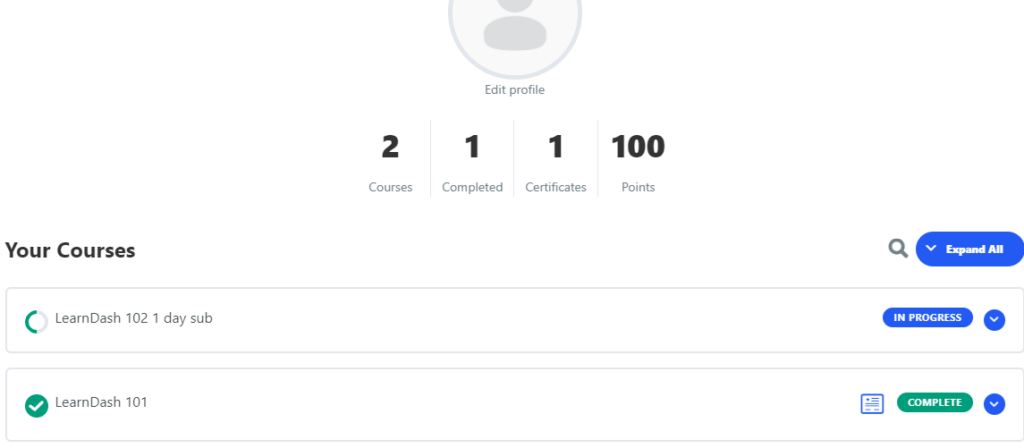
LearnDash provides the ability to template your LMS posts and shortcodes. In this post, I’ll only cover how to add a thumbnail image to your LearnDash [ld_profile] Course List, but you can also extrapolate this idea and use it in your Lesson and Topics lists using the same concepts documented here. There are 2 methods you can use to modify the Course List in the [ld_profile] shortcode. In this tutorial we’ll first cover this process using method 1 alone. Method 1, is the most native method to LearnDash and does not involve other plugins be installed. First, let’s briefly describe what a child-theme is and why you might want to use a child-theme over a code snippet. Simply put, a child-theme is a WordPress theme.


How to add different TABS to individual LearnDash posts

LearnDash lets you create tabs in their different post types. Their post types are course, lesson, topic, and quiz and you can add different tabs to any or all these post types. To accomplish this, you can either use a code snippet plugin or you can add a child-theme to your site and add code into that, but no matter how you accomplish this, you’re going to be adding code if you want to do this for free. Below is a fully functional PHP code example that adds custom TABS on a post-by-post basis in LearnDash post types.These posts have ID numbers for each one.These are the post ID’s you will see in the code be and will want to change to match your own